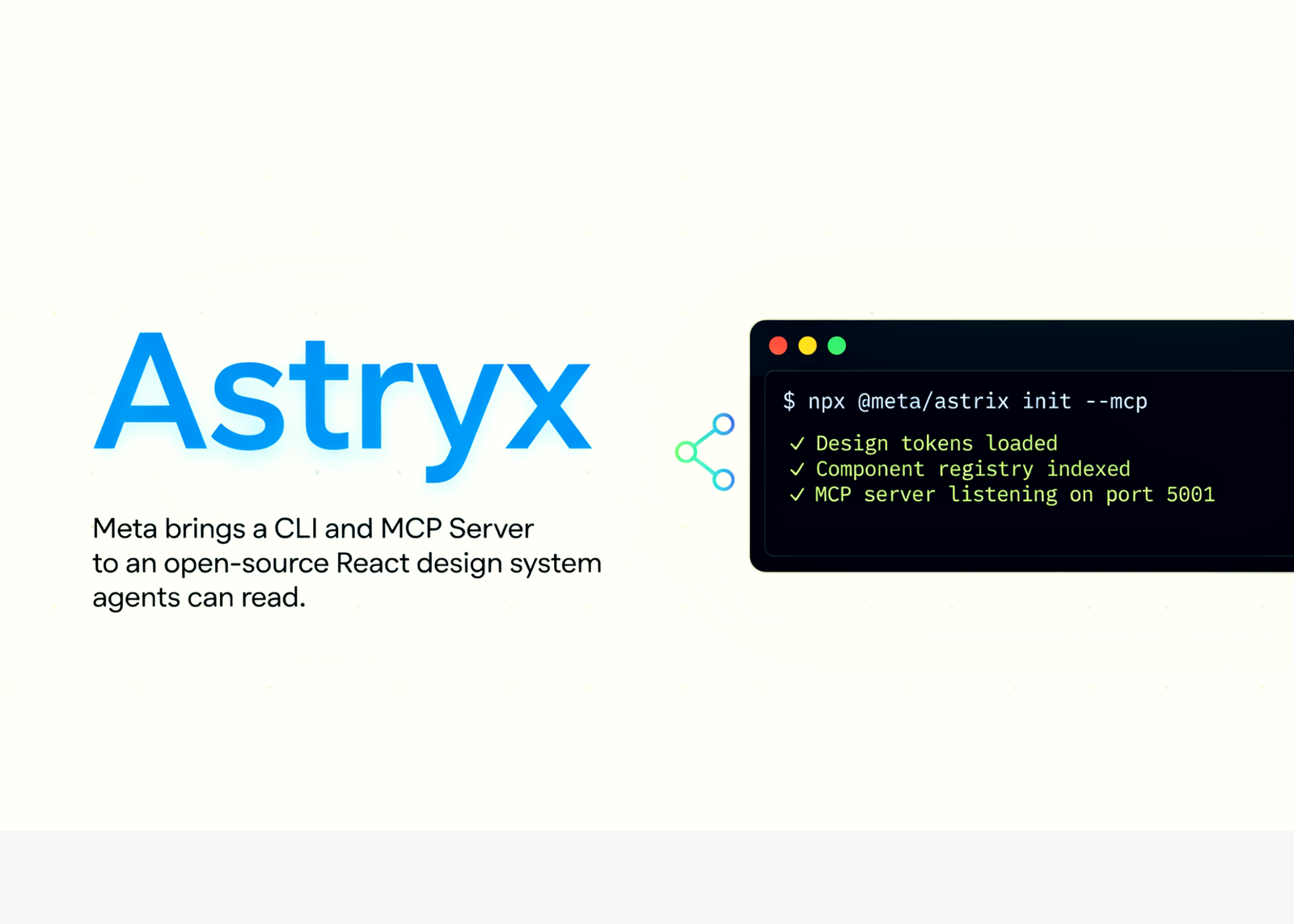
Meta released Astryx this week. It is an open-source design system, currently in Beta. The project grew inside Meta’s monorepo over eight years. Astryx is built on React and StyleX. StyleX is Meta’s compile-time CSS engine.
TL;DR
- Astryx is Meta’s open-source, agent-ready React design system, now in Beta.
- It pairs StyleX styling with a CSS-variable theme cascade and ten themes.
- A CLI and MCP server lets AI agents scaffold and document UIs.
- It is production-tested inside Meta but young as a public project.
What is Astryx
Astryx is a component library and a system around it. It provides foundations, components, templates, and themes. Foundations cover typography, color, layout, and accessibility. The official repository documents more than 90 React components. Meta’s docs site counts over 150. Components ship with built-in spacing, dark mode, and flexible styling. Templates compose full pages like dashboards, settings, and forms. The license is MIT. TypeScript makes up about three-quarters of the codebase.
The styling layer is worth understanding. StyleX compiles styles to static, atomic CSS at build time. Meta open-sourced StyleX at the end of 2023. It powers Facebook, Instagram, WhatsApp, and Threads. External companies like Figma and Snowflake also use it.
Two design choices stand out. First, internals are open. All primitives are exported and composable, not hidden. You can compose at any level. Second, spacing is automatic. Astryx calls this context-aware spacing compensation. It eliminates ‘double padding’ issues without manual fixups.

The ‘Agent Ready’ Part
This is the main difference from other design systems. Astryx ships docs and tooling that AI agents can read. Components carry JSDoc annotations with composition hints. A CLI exposes the same API a developer uses. There is also an MCP server. MCP is the Model Context Protocol. Agents use it to scaffold, browse, and document.
The CLI is called via astryx or the shorthand xds. One feature is really important for automation. The CLI returns a self-describing manifest as JSON. It lists every command, argument, flag, and response type. Compareing it to an OpenAPI spec for the CLI. So an agent need not scrape –help text. It reads one structured payload instead.
npx astryx template dashboard # emit full page source
npx astryx manifest –json # machine-readable command spec
Themes and the CSS-Variable Cascade
Astryx ships ten ready-made themes. They are named default, neutral, daily, butter, chocolate, matcha, stone, gothic, brutalist, and y2k. All are fully customizable. Theming uses a CSS variable cascade. You change the variables, and every component restyles. Component code stays untouched.
The interactive demo below shows this directly. Pick a theme and watch the tokens update live.
Astryx · interactive explainer
01 · OVERVIEW
What Astryx is
An open-source React design system from Meta — foundations, components, templates, and themes. Built on React and StyleX, Meta’s compile-time CSS engine. It ships pre-built CSS, so no build plugin is required. Currently in Beta.
8 yrsbuilt inside Meta
13,000+apps it powers
150+components (docs site)
10ready-made themes
NoteThe GitHub repo states “over 90 components”; Meta’s docs site counts 150+. Both come from official Astryx sources.
02 · THEMING
The CSS-variable cascade
Themes are a cascade of CSS variables (tokens). Change the variables and every component restyles — component code never changes. Pick a theme:
Primary
Secondary
Badge
A
Astryx Card
tokens drive every style
–spacing scale 12px
IllustrativeThe cascade mechanism is exactly how Astryx themes work; per-theme token values are representative.
03 · LAYOUT
Automatic spacing — the “double padding” fix
Nest a padded box in another and the gaps stack; you normally strip padding by hand. Astryx’s context-aware spacing compensation keeps the edge gap consistent. Toggle it — the gap is measured from the rendered DOM.
IllustrativeThe gap is read from the real DOM. The rule here stands in for Astryx’s internal logic.
04 · ARCHITECTURE
Open internals you can compose and eject
Astryx exports its primitives instead of hiding them, so you compose at any level. When a component is close but not exact, eject its source with the CLI and edit it directly.
Use a component
Eject to customize
import {Badge} from ‘@astryxdesign/core/Badge’;
export default function Toolbar() {
return (
<div>
<Button label=“Save” variant=“primary” />
<Badge>Beta</Badge>
</div>
);
}
Save
Beta
← rendered from the code above
$ npx astryx swizzle Button
# then import your local copy instead of the package
import {Button} from ‘./components/Button’;
Ejected source is yours to change. Astryx stays the default; you own only what you customize.
05 · AGENT READY
A CLI and MCP server agents can read
The CLI exposes the same API a developer uses, plus an MCP server. One call returns a self-describing JSON manifest, so an agent reads structured commands instead of scraping help. Click a command:
astryx · CLI (alias: xds)
RepresentativeCommand names and the manifest shape match the Astryx CLI README (v0.0.14). Output is shortened for display.
06 · SETUP
Install and ship
Simplest path: Next.js + Tailwind. Astryx ships pre-built CSS, so no build plugin is needed.
# install core, a theme, and the CLI
npm install @astryxdesign/core @astryxdesign/theme-neutral
npm install -D @astryxdesign/cli
// providers.tsx — wrap your app once
‘use client’;
import type {ReactNode} from ‘react’;
import {Theme} from ‘@astryxdesign/core/theme’;
import {neutralTheme} from ‘@astryxdesign/theme-neutral/built’;
export function Providers({children}: {children: ReactNode}) {
return <Theme theme={neutralTheme}>{children}</Theme>;
}
MITNext · Vite + TailwindCLI + MCPBeta — test before prod
›
01 / 06 · Overview
Marktechpost
Getting Started: A Code Example
The simplest path is Next.js with Tailwind. Astryx ships pre-built CSS, so no build plugins are needed. Install the core package and a theme.
npm install -D @astryxdesign/cli
Wrap your app in the Theme provider.
‘use client’;
import type {ReactNode} from ‘react’;
import {Theme} from ‘@astryxdesign/core/theme’;
import {neutralTheme} from ‘@astryxdesign/theme-neutral/built’;
export function Providers({children}: {children: ReactNode}) {
return <Theme theme={neutralTheme}>{children}</Theme>;
}
Then use components directly.
export default function Page() {
return <Button label=”Hello XDS” variant=”primary” />;
}
A Tailwind bridge maps tokens to utilities. So bg-surface resolves to a system token. This avoids verbose var(–…) classes. A Vite path and a StyleX-only path are also documented.
Use Cases With Examples
Internal dashboards are a clear fit. You can build eval or monitoring views fast. Astryx provides dashboard, table, and detail templates. A Vega/Vega-Lite chart wrapper handles plots.
Agent-built UIs are the second case. An AI coding agent can scaffold a settings page. It calls the CLI, reads the agent-ready docs, then composes components. The MCP server makes this a structured workflow, not guesswork.
Multi-brand products are the third case. One component set can serve several brands. You swap themes through the variable cascade. No component rewrites are required.
How Astryx Compares
shadcn/ui is the closest familiar comparison. Both favor composition and CLI scaffolding. Astryx differs on its StyleX engine and MCP tooling. These competitor details are summarized and will evolve.
Strengths and Weaknesses
Strengths:
- Compile-time StyleX styling, proven at Meta scale
- Open, composable primitives at every level
- Ten customizable themes via a CSS variable cascade
- A CLI and MCP server give agents a real API
- Automatic spacing removes common layout bugs
- MIT license with Next.js, Vite, and Tailwind support
Weaknesses:
- Beta status, so APIs and versions may change
- The CLI is early, at version 0.0.14 currently
- StyleX has a steeper learning curve than Tailwind
- Component counts differ between repo and docs site
- Adoption outside Meta is still unproven
Check out the Repo and Project page. Also, feel free to follow us on Twitter and don’t forget to join our 150k+ML SubReddit and Subscribe to our Newsletter. Wait! are you on telegram? now you can join us on telegram as well.
Need to partner with us for promoting your GitHub Repo OR Hugging Face Page OR Product Release OR Webinar etc.? Connect with us